
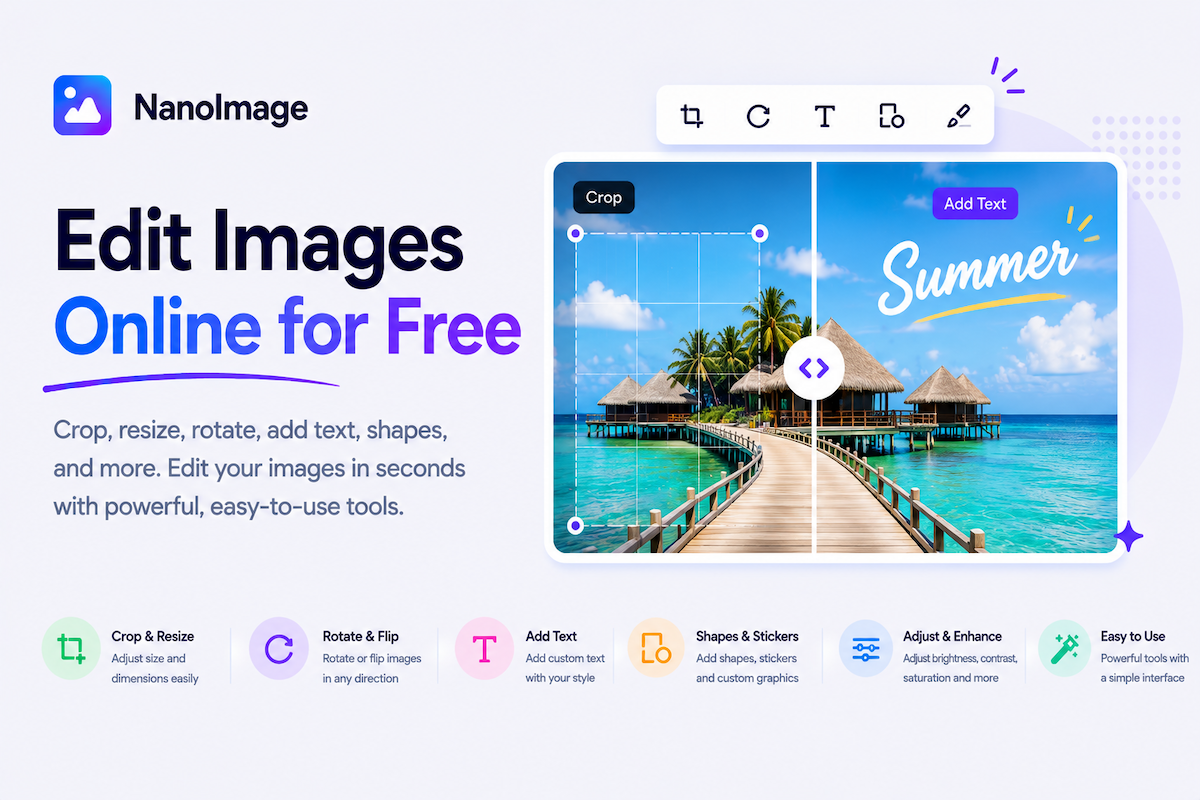
Edit images online without installing software
You do not always need a complex photo editor to make a useful change. Most image editing tasks are simple: crop out extra space, rotate a sideways photo, flip an image, add text, change a background color, enhance a dark picture, or prepare an ID photo. NanoImage brings these everyday edit images online tools into one fast, free, browser-based workspace.
Use Crop Image Online when you need to remove unwanted areas, focus attention on the subject, or fit an image into a specific aspect ratio. Cropping is useful for profile photos, thumbnails, ecommerce images, blog covers, documents, and social posts.
Use Rotate Image Online when a photo appears sideways or upside down. This often happens when images are moved between phones, cameras, editing apps, and websites.
Use Flip Image Online when you want to mirror a photo horizontally or vertically. This is helpful for selfies, design layouts, scanned materials, product direction, and creative effects.
Use Add Text to Image when you need captions, labels, instructions, memes, thumbnails, or simple promotional graphics.
Use Change Background when the background color does not fit the final use. This is useful for product images, ID-style photos, simple graphics, and ecommerce listings.
Use Enhance Image when a photo needs quick visual improvement — brightness, contrast, saturation, sharpness, and clarity adjustments.
Use Change Color when you need to replace, adjust, or tint colors in an image.
Use Passport Photo Maker when you need a photo prepared for an official format with size, background, and file-size controls.
A strong edit workflow often combines more than one tool: crop a photo, resize images online, compress images online, and then remove EXIF data before publishing. NanoImage’s biggest advantage is simplicity and privacy — quick browser-based editing with no signup and no watermark on downloads.