
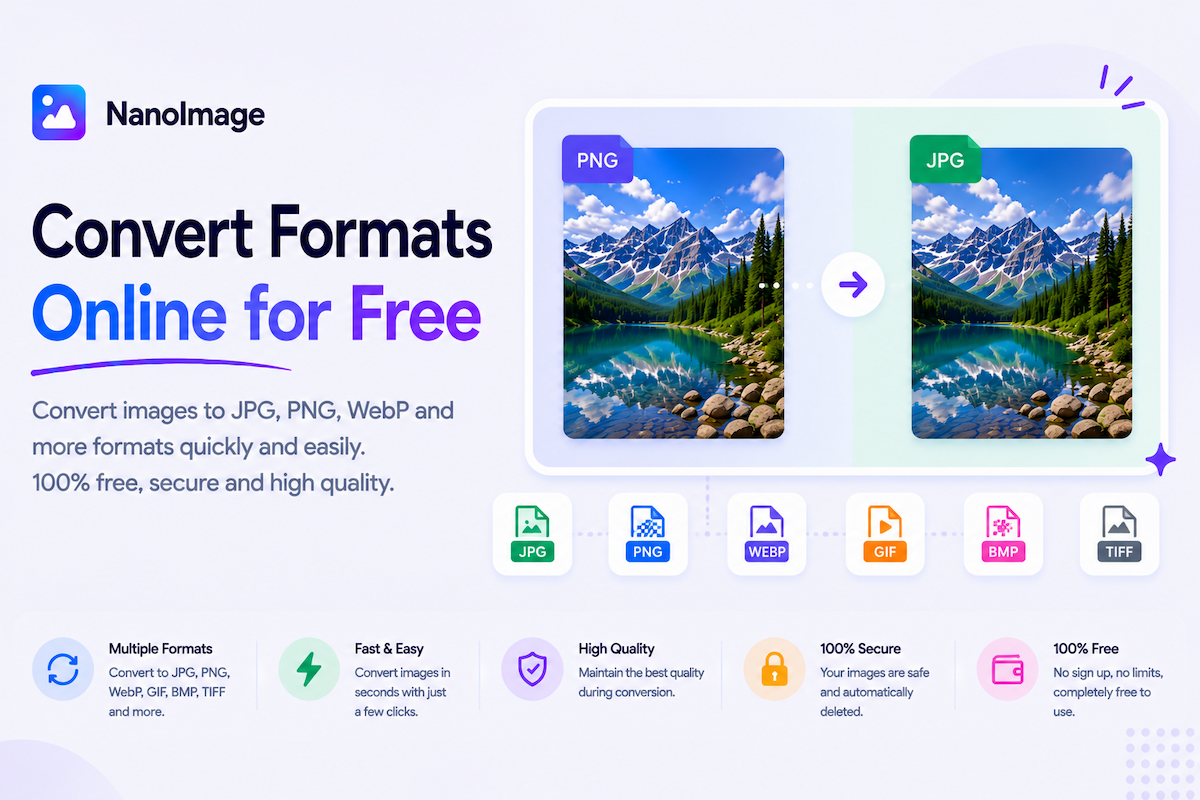
Convert image formats online for websites, documents, and sharing
Different image formats are built for different jobs. JPG is common for photos, PNG is useful for transparency and screenshots, WebP is great for small web-ready files, GIF supports animation, and PDF is often required for documents or submissions. NanoImage’s convert image formats online category helps you change files without installing software.
Use Convert Image Online when you need a general converter for JPG, PNG, WebP, GIF, BMP, and more. Use Convert JPG/PNG to WebP when preparing images for websites or performance-focused pages — WebP often creates smaller files while keeping good visual quality.
Use Image to PDF Converter when you need to turn one or more images into a document for receipts, scanned forms, assignments, identity documents, or printable files.
Choosing the right format depends on the final use. Use JPG for regular photos when transparency is not needed. Use PNG for screenshots, graphics, and logos. Use WebP for websites when file size matters. Use PDF when the image needs to be submitted, printed, or shared as a document.
Format conversion is often part of a broader workflow: resize a large PNG, convert to WebP, then compress images online. Or convert a phone photo to JPG for a form, then compress to fit a size limit. NanoImage keeps the workflow simple — upload, choose output format, download.
Many users search because they are blocked by an upload requirement: “only JPG accepted,” “file must be WebP,” or “submit as PDF.” This hub helps you understand which tool solves the problem and sends you directly to that tool. Privacy-first browser processing matters because users often convert sensitive IDs, receipts, business graphics, and client assets.