
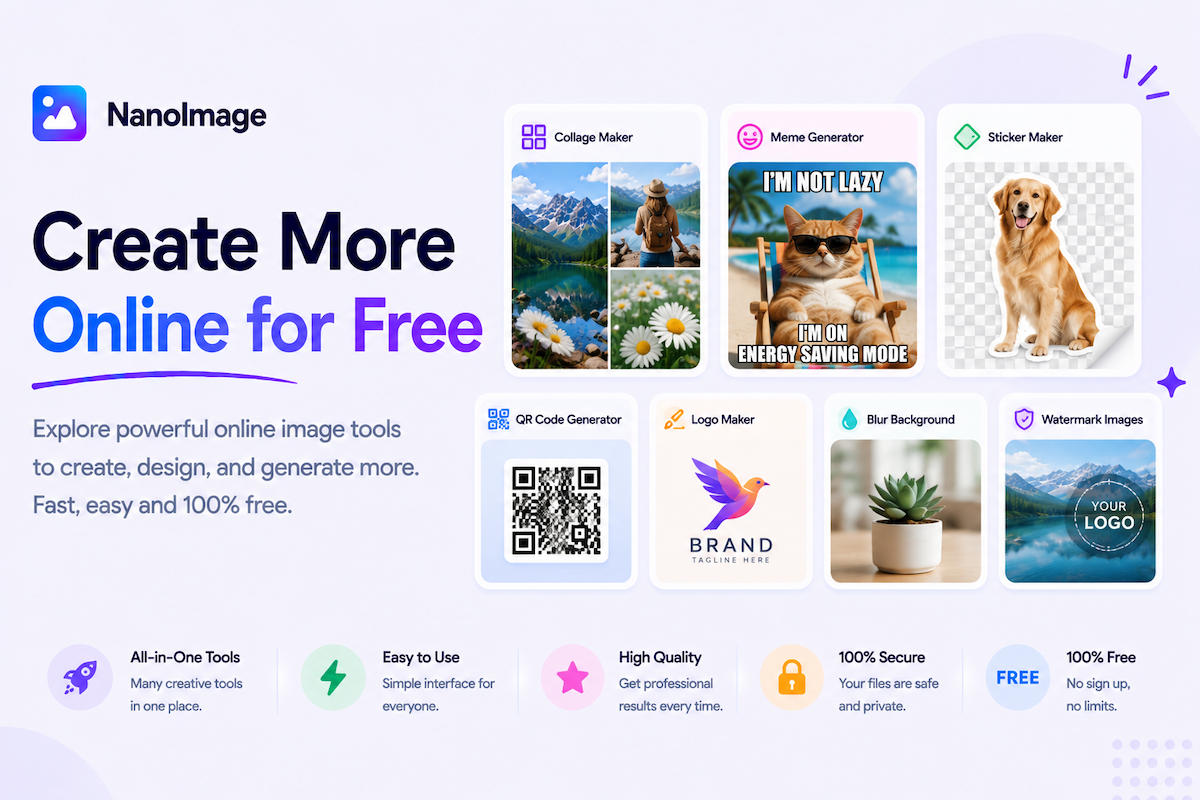
Create shareable images, GIFs, memes, collages, and grids
Images are not only something you edit — they are also something you create. NanoImage’s create images online category brings together tools for making visual content from existing photos or blank layouts.
Use GIF Maker to turn multiple images into an animated GIF — useful for reactions, product previews, before-and-after sequences, and lightweight visual explanations.
Use Meme Generator to add bold top and bottom text quickly. For more control over fonts and layers, try Add Text to Image.
Use Collage Maker to combine several photos into one design for Instagram posts, mood boards, event recaps, and product displays.
Use Photo Grid for structured 2×2, 3×3, and 4×4 layouts — portfolios, comparisons, and social posts that need alignment and consistency.
Use Grid Maker to add a drawing grid to a reference photo or create blank printable grids for artists, students, and teachers.
Creative workflows often involve multiple tools: crop an image online before adding photos to a collage, resize images online before making a grid, compress images online before upload, or add a watermark to an image on finished graphics. NanoImage keeps creation lightweight — fast, free, private, and no signup.