
Free tools ♡

AI Image Tools — On-Device, No Upload

AI image tools that still don’t upload your photos. The models download to your browser once, then all inference runs locally on your device — WebGPU accelerated, with a WASM fallback everywhere.

  • 100% Free
  • Processed in your browser — files stay on your device
  • No signup required
  • Runs in your browser

AI image editing without giving up your photos

Most AI image sites work the same way: you upload your photo, their server runs the model, and you download the result — which means your image lives on someone else’s computer. NanoImage’s AI tools flip that model. The AI weights are downloaded to your browser once and cached; after that, every inference runs locally on your device with WebGPU (Chrome, Edge) or a WASM fallback (Firefox, Safari). Your image stays in your browser’s memory and is never uploaded — you can verify it yourself in your browser’s DevTools Network tab.

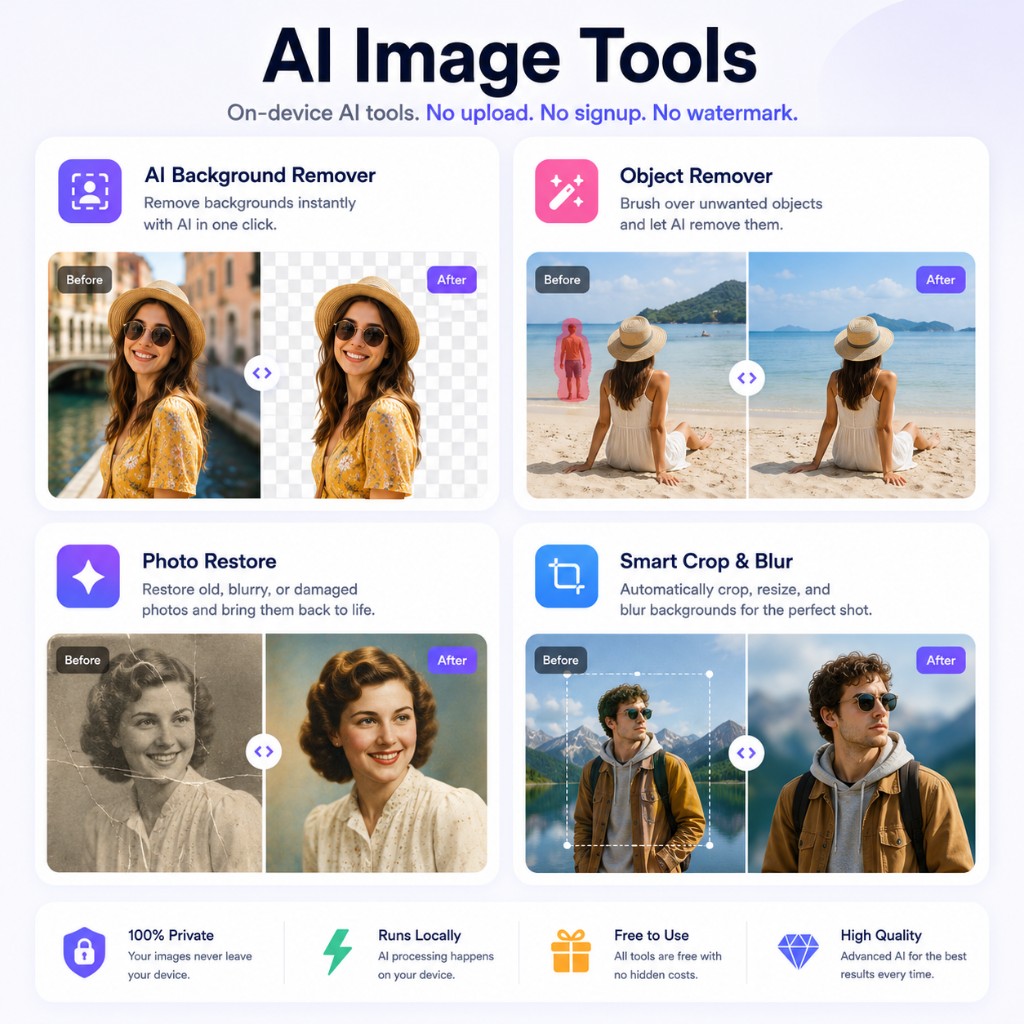
Use the AI Background Remover to cut the subject out of a photo and download a transparent PNG — great for product shots, avatars, and design work. The first run downloads the RMBG-1.4 model (~168 MB); after that it’s cached and fast.

Use the Object Remover to paint over people, objects, or watermarks and let smart edge-fill reconstruct the background. For big objects, several small passes usually beat one large one.

Use Photo Restore to enhance old or faded photos and add color to black-and-white pictures — a natural fit for family archives you’d rather not upload anywhere.

Use Smart Crop & Blur to auto-crop to the most interesting region for a chosen aspect ratio, or to add a depth-of-field blur behind a person, powered by on-device segmentation.

These AI tools follow the same rules as every other NanoImage tool: free, no account, no watermark, and no upload. The only thing fetched from our CDN is the model weights themselves. If your device can’t run a model, the tool tells you up front instead of quietly falling back to a server.

Which tool should I use?

How NanoImage works

  1. 1

    Open an AI tool — the model downloads to your browser once and is cached.

  2. 2

    Drop in your image. Inference runs locally with WebGPU or WASM; nothing is uploaded.

  3. 3

    Preview and download the result at full resolution, free and without watermark.

Guides from the NanoImage blog

Frequently Asked Questions

Are the AI tools really free?

Yes. Like every NanoImage tool, the AI tools are free with no signup and no watermark. There are no per-image credits because there is no server-side inference to pay for — your device does the work.

Do AI tools upload my image?

No. The model weights are downloaded from our CDN once and cached; inference then runs locally in your browser. Your image never leaves your device. You can verify this in the browser DevTools Network tab.

Why does the first use take longer?

The first run downloads the AI model (up to ~168 MB depending on the tool). It is then cached by your browser, so later runs start instantly and can work offline.

Which browsers work best?

Chrome and Edge use WebGPU for the fastest inference. Firefox and Safari fall back to WASM — slower, but fully functional. Older devices with little RAM may not support the largest models.

How is this different from remove.bg or other AI sites?

Those services run the model on their servers, so your photo is uploaded. NanoImage runs the model on your device — same category of results for everyday images, with no upload.

Browse all free privacy-first image tools →