
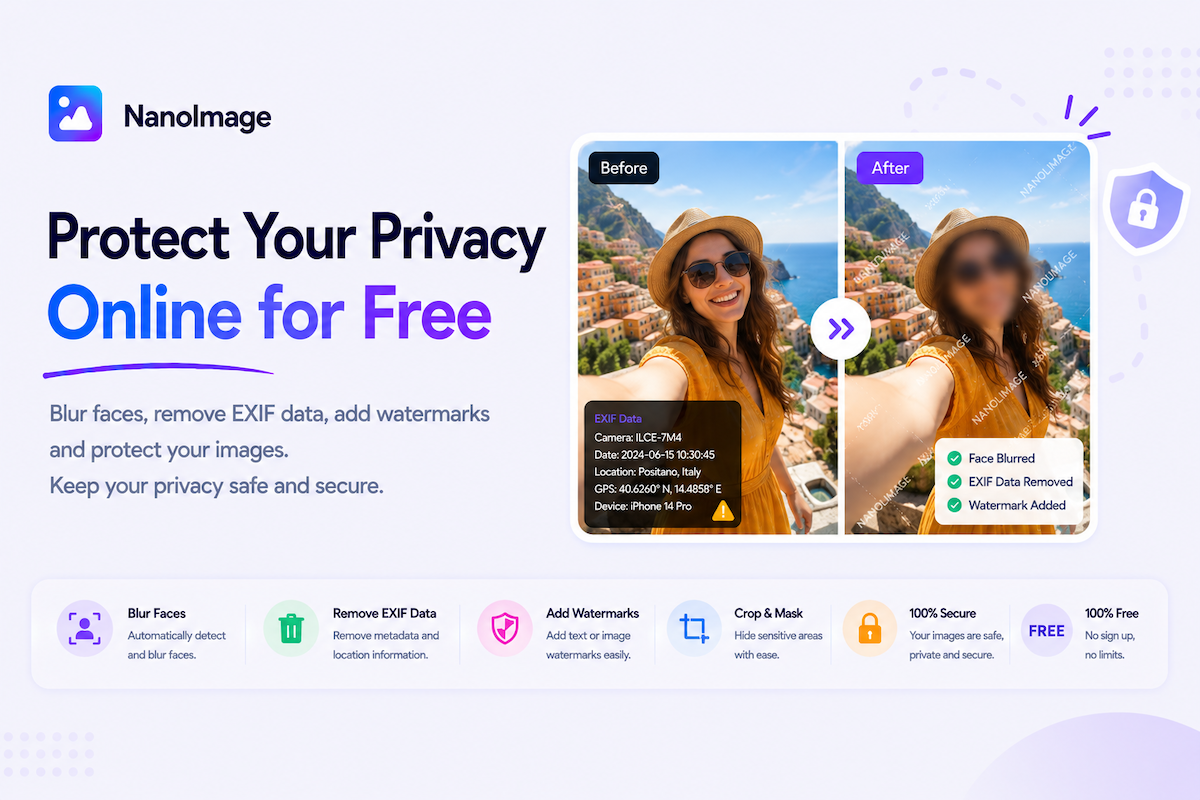
Protect your images before you share them online
Every image can contain more information than you expect — location metadata, camera details, timestamps, faces, license plates, addresses, and private background details. NanoImage’s image privacy tools help you prepare images for safer sharing.
Use Remove EXIF Data to strip hidden metadata from photos. EXIF can include camera model, date, time, and sometimes GPS location. Removing metadata is useful before sharing travel photos, personal images, client work, screenshots, or documents online.
Use Blur Image Online to hide information while keeping the overall image natural — faces, addresses, license plates, account numbers, and background details.
Use Pixelate Image Online for stronger visual privacy. Pixelation is common for censoring faces, IDs, plates, and sensitive areas in screenshots.
Use Add Watermark to an Image to protect ownership or discourage unauthorized reuse with text or logo marks.
Image privacy has two layers: visible details and hidden metadata. A complete workflow may require both — remove EXIF data and blur or pixelate sensitive areas. NanoImage emphasizes browser-based processing so privacy-focused users do not need to upload sensitive images to unknown servers.
Common use cases include hiding faces in classroom photos, removing GPS from phone pictures, blurring license plates before posting a car photo, pixelating usernames in screenshots, and adding watermarks to product photography before public sharing.