
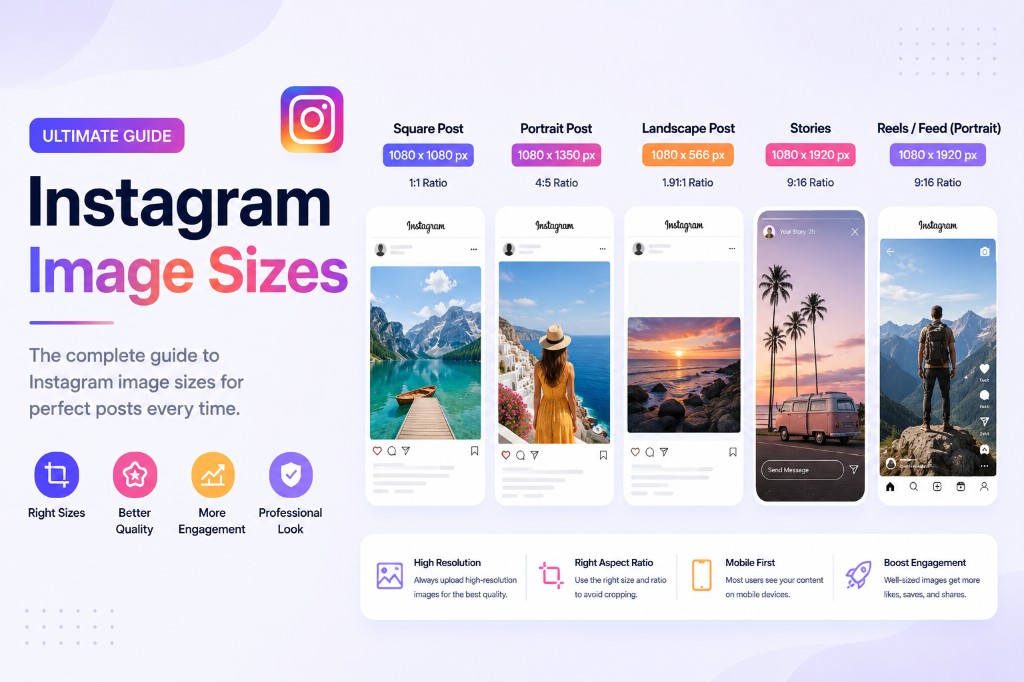
Instagram changed its rules again: the profile grid now previews every post at a 3:4 vertical ratio, and 3:4 uploads (1080×1440) are natively supported. If your posts were designed for the old square grid, they're getting cropped on your own profile. Here are the numbers that matter in 2026.
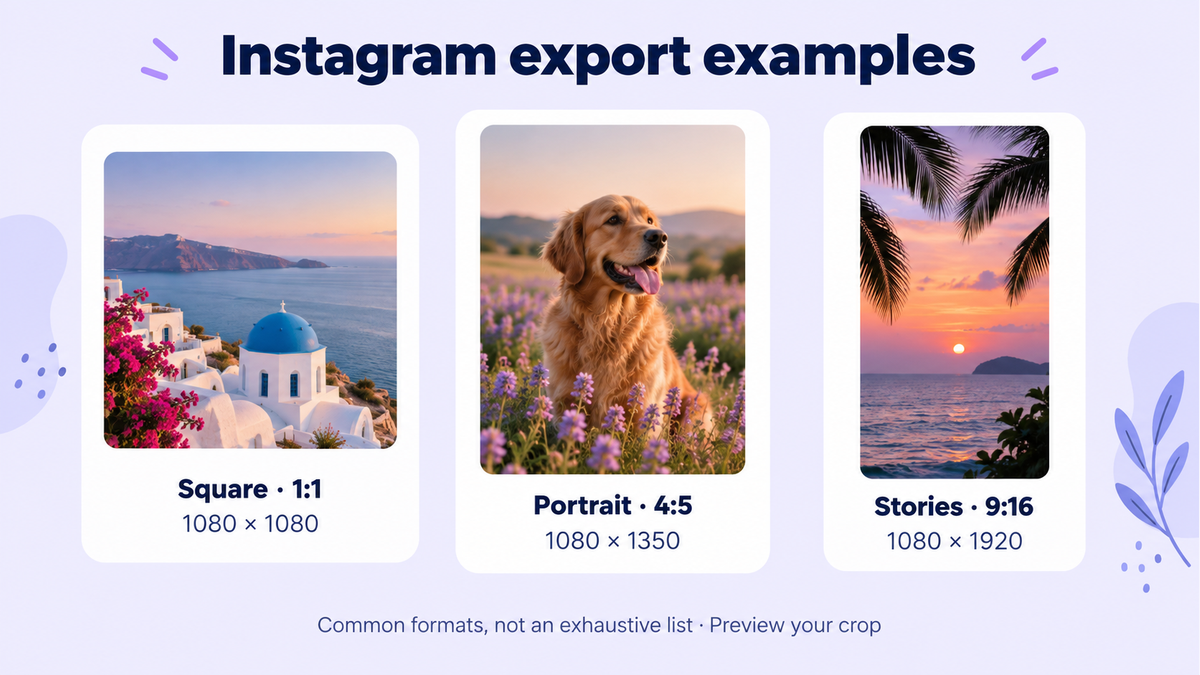
Instagram sizes at a glance (2026)
| Placement | Pixels | Ratio |
|---|---|---|
| Feed post (recommended) | 1080 × 1440 | 3:4 |
| Feed post (classic portrait) | 1080 × 1350 | 4:5 |
| Feed post (square) | 1080 × 1080 | 1:1 |
| Feed post (landscape) | 1080 × 566 | 1.91:1 |
| Profile grid preview | crops to | 3:4 |
| Stories / Reels | 1080 × 1920 | 9:16 |
| Profile picture | 320 × 320 (shown as circle) | 1:1 |
*Instagram stores images up to 1080px wide and re-compresses everything on upload.*
The grid change, explained
Since the 2025 redesign, your profile grid shows posts as 3:4 tiles. Consequences:
Square (1:1) posts lose their left/right edges? No — they lose top and bottom? Neither: they're shown fitted with the sides padded or center-cropped depending on content — either way, they no longer fill the tile.
4:5 posts are center-cropped slightly top and bottom in the grid.
3:4 posts (1080×1440) fill both the feed and the grid tile exactly. That's why 3:4 is now the recommended default.
Practical rule: design in 3:4, keep faces and text inside the middle 4:5 area so both the feed crop and grid crop are safe.
Resizing for Instagram without quality loss
Instagram re-compresses aggressively; feeding it the right size reduces visible damage:
Crop to the target ratio with Crop Image (3:4 preset).
Resize to exactly 1080px wide with Resize Image — downscaling yourself beats letting Instagram do it.
Export as JPG quality ~85, or compress to under 1MB with Compress Image to 1MB for faster uploads.
All three steps run in your browser — nothing is uploaded to anyone's server except Instagram's, at the end, by you.
Stories and Reels: mind the safe zones
The canvas is 1080×1920, but the UI eats into it: username and camera icons at top (~250px) and CTA/caption area at bottom (~310px). Keep text and key visuals in the central ~1080×1350 region. Full-bleed backgrounds are fine edge to edge.
Carousels
All slides in a carousel display at the ratio of the first slide. Mixing ratios gets everything cropped to slide one's ratio — prepare all slides at the same 3:4 or 4:5 size before uploading. Batch-resize them in one go with Batch Compress.
FAQ
What's the single best size for Instagram in 2026?
1080 × 1440 (3:4). It fills the feed and the new grid without cropping.
Why do my photos look blurry after posting?
Usually double compression: you uploaded a huge file and Instagram crushed it. Downscale to 1080px wide and ~85% quality yourself first.
Do old square posts get cropped now?
In the 3:4 grid preview they no longer fill the tile. Existing posts aren't re-cropped in the feed; Instagram lets you adjust the grid preview per post.
PNG or JPG for Instagram?
JPG. Instagram converts uploads to JPG anyway; converting yourself with Convert Image keeps control of quality.
*Sizes change — this guide reflects Instagram as of July 2026. For every other platform, see the complete social media sizes guide.*
Resize & optimize for Instagram
Use Crop Image, Resize Image Online, and Compress Image. Browse edit images online and optimize images online for the full pre-upload workflow.