
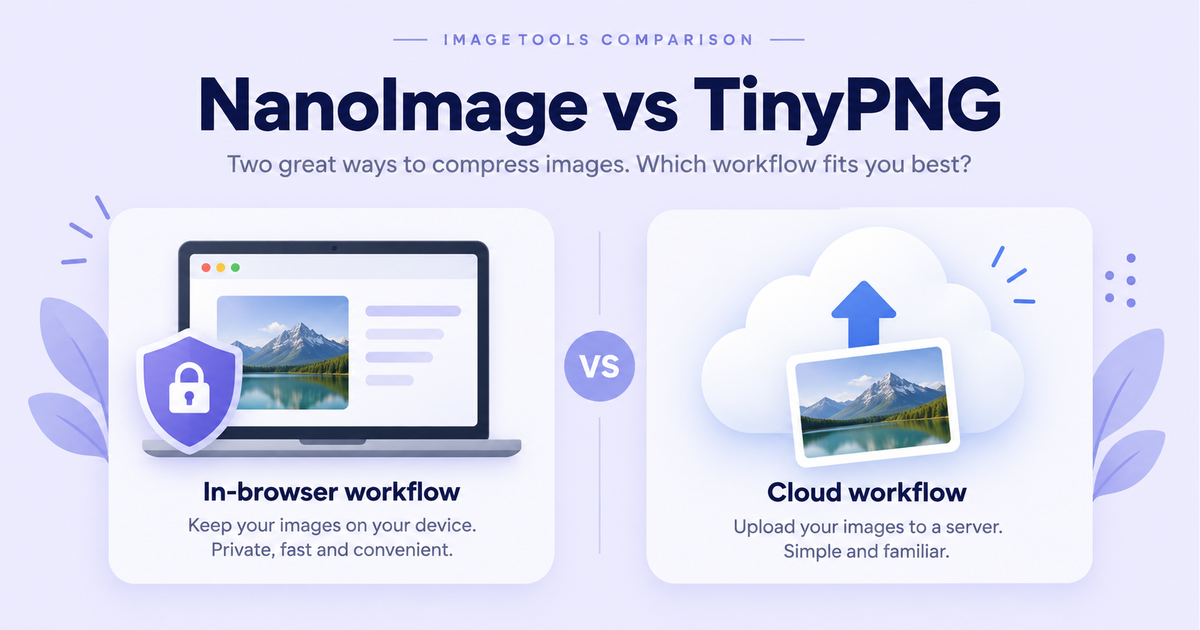
# NanoImage vs TinyPNG: Free Image Compressor Compared (2026)
If you've compressed an image online in the last decade, you've probably used TinyPNG. The cute panda logo, the drag-and-drop UI, the "we saved 73%" line — it's the default. There's a reason: TinyPNG genuinely produces excellent results.
But there's one thing TinyPNG does that you might not have thought about: it uploads your image. To a server. In Amsterdam. Every single time.
Disclosure: NanoImage is our project. We've tried to be fair to TinyPNG — they make a great product.
---
Quick Comparison
| NanoImage | TinyPNG | |
|---|---|---|
| Where does compression happen? | In your browser (Canvas API) | On TinyPNG's servers |
| Upload required? | No | Yes |
| Free tier limit | Unlimited | 500 images/month, 5 MB each |
| Compression quality | Good | Excellent (best-in-class) |
| Speed on a 5 MB photo | ~200ms locally | 2–5 seconds (upload + process + download) |
| Works offline | Yes | No |
| Tools beyond compression | 14 more (resize, crop, convert, …) | None |
| API for production | Coming soon | Yes, mature ($0.009/image after 500/month) |
| Privacy promise | Files never leave your device (verifiable) | Files deleted after processing (trust-based) |
---
The Compression Quality Question
TinyPNG's Tinify engine has had over a decade of tuning. On our test corpus:
PNG screenshots with text: TinyPNG averaged 71% reduction; NanoImage averaged 58%.
JPG photographs: TinyPNG averaged 64% reduction; NanoImage averaged 59%.
PNG logos with transparency: TinyPNG averaged 78% reduction; NanoImage averaged 64%.
If pure compression ratio is what you optimize for, TinyPNG wins. But ask yourself: how much does that 10–15% extra savings matter for your actual job?
---
The Privacy Question
When you drop an image on TinyPNG, your browser uploads it to Tinify's servers. Tinify has a clean privacy policy and is GDPR-compliant. But there are situations where any upload is the wrong answer:
Healthcare: Medical images may be regulated under HIPAA or GDPR Article 9.
Legal: Documents or evidence photos subject to legal hold.
Corporate: Mockups of unreleased products, anything under NDA.
Personal: Photos of kids, your home, or your face.
NanoImage handles all of these: nothing is uploaded. Process by JavaScript in your browser via the Canvas API. Verify via DevTools → Network tab (it stays empty).
---
The Speed Question
| File | TinyPNG (Wi-Fi 200 Mbps) | TinyPNG (4G ~25 Mbps) | NanoImage (any connection) |
|---|---|---|---|
| 500 KB screenshot | 1.4s | 2.1s | 80ms |
| 3 MB photo | 2.3s | 5.6s | 180ms |
| 8 MB photo | N/A (exceeds 5 MB cap) | N/A | 320ms |
On a flaky connection, TinyPNG can take 30 seconds or fail. NanoImage is unaffected.
---
The Feature Coverage Question
TinyPNG does one thing: compress JPG, PNG, and WebP files. NanoImage does 15: Compress, Compress to 100KB, Resize, Crop, Rotate, Flip, Invert, Black & White, Blur, Add Border, Add Watermark, Convert to JPG, Meme Generator, Split Image, Merge Images.
Real image jobs are usually multi-step. With NanoImage you can complete an entire workflow — resize → compress → watermark — in one tab, without bouncing between tools.
---
The API & Production-Pipeline Question
Here NanoImage loses, period. TinyPNG's Tinify API is mature, well-documented, and has been powering production image pipelines for over a decade. If you're building an e-commerce site or CI job, use TinyPNG.
---
When to Use TinyPNG
Optimizing a large catalog of photos (hundreds or thousands)
Integrating compression into a production pipeline (WordPress, CI/CD, server-side)
Images are not sensitive and you don't care about uploads
When to Use NanoImage
You need to do more than compress (resize, crop, convert, watermark)
The image shouldn't leave your device (medical, legal, NDA, personal)
On a slow or flaky connection
File exceeds TinyPNG's 5 MB free tier
You hit TinyPNG's monthly limit and don't want to pay
---
The Honest Verdict
If you compress images occasionally and don't care about uploads, TinyPNG is fine. The panda has earned its reputation.
If you compress images often, do other things to images, or care about your photos not leaving your device, NanoImage is built for you. TinyPNG is a precision saw. NanoImage is a Swiss Army knife.
**Try NanoImage →** | Read the full 4-way comparison →
Related NanoImage tools
NanoImage's privacy-first workflow starts with Compress Image Online. For folders of assets, try Batch Compress. Explore every optimize images online tool in one place, or convert images to WebP for smaller web files.